
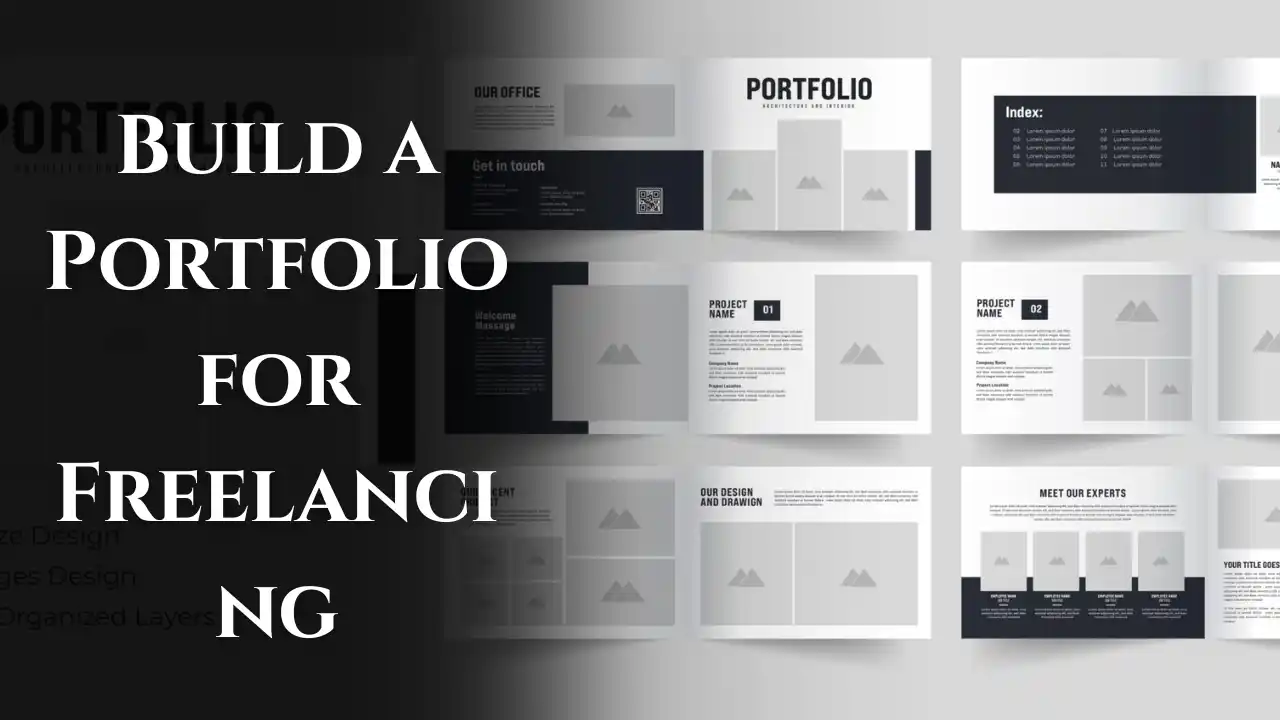
A professional portfolio is one of the most powerful tools for freelancers. It acts as your online resume, showcasing your skills, creativity, and work quality to potential clients. Whether you are a content writer, designer, developer, marketer, or virtual assistant, a well-structured portfolio helps you stand out and get hired — even if you’re a beginner.
If you want to start freelancing or find remote jobs from India or anywhere else, building a portfolio should be your first step. Here’s a complete guide on how to build a strong freelancing portfolio that attracts clients and builds credibility.
What Is a Freelance Portfolio
A freelance portfolio is a collection of your best work samples, skills, and client testimonials displayed in a professional way. It’s proof of what you can do and how well you can do it. Clients use your portfolio to evaluate your abilities before hiring you.
Even if you don’t have real clients yet, you can still create sample projects or mock work to demonstrate your talent and knowledge.
Why a Portfolio Is Important for Remote Freelancers
- Shows your professional identity and expertise
- Builds trust and confidence with clients
- Helps you stand out among other freelancers
- Makes it easy for clients to understand your style and strengths
- Works as a long-term marketing tool for your services
Without a portfolio, clients have no way to verify your skills — so having one is essential for freelancing success.
Step-by-Step Guide to Build a Freelancing Portfolio
Step 1 Identify Your Skill and Target Clients
Before you start creating your portfolio, be clear about what service you offer and who your ideal clients are.
Examples:
- Content writers: Blog writing, copywriting, SEO content
- Graphic designers: Logos, brand kits, social media posts
- Web developers: Landing pages, e-commerce sites, UI/UX design
- Virtual assistants: Data entry, email management, scheduling
- Video editors: YouTube intros, reels, product videos
Knowing your niche helps you design your portfolio with relevant examples that attract the right clients.
Step 2 Create 3–5 Sample Projects
If you’re just starting out, you don’t need real clients to build a portfolio. Create mock projects to showcase your skills.
Examples:
- Writers: Write 3 sample blog posts on trending topics in your niche.
- Designers: Create 3–4 brand identity or poster samples for imaginary businesses.
- Developers: Build demo websites or apps and host them online.
- Social media experts: Design a 1-month content plan for a fictional brand.
- Virtual assistants: Create a mock Excel data report or scheduling calendar.
These samples demonstrate your creativity and understanding of your field.
Step 3 Choose the Right Format for Your Portfolio
There are multiple ways to present your portfolio depending on your skill and comfort level.
Option 1: Personal Portfolio Website
Create your own website to showcase all your work in one place. Include your introduction, services, samples, testimonials, and contact information. Platforms like WordPress, Carrd, or Notion are great for beginners.
Option 2: Portfolio Platforms
If you’re a designer or artist, use visual-based platforms to upload your work.
- Canva for visual templates
- Behance or Dribbble for design projects
- GitHub for developers
- Medium for writers
Option 3: PDF or Google Drive Portfolio
If you don’t have a website yet, make a clean portfolio document using Canva or Google Docs and share it via link or PDF. Keep it simple, structured, and professional.
Step 4 Structure Your Portfolio Properly
A good portfolio is more than just work samples — it tells a story about who you are and how you help clients.
A professional portfolio should include:
- Introduction/About Me – A short paragraph about your background, passion, and expertise.
- Services Offered – Clearly mention what you do (for example: “Social Media Design,” “SEO Writing,” or “WordPress Development”).
- Work Samples – 3–6 of your best projects or mock examples.
- Process – Briefly describe how you work or your workflow steps.
- Testimonials or Feedback – Include client quotes if you have them.
- Contact Information – Add your email, website, or freelancing profile link.
Example format:
Hi, I’m Neha, a freelance content writer specializing in lifestyle and travel blogs.
I help brands build organic visibility through SEO-friendly content.
My Services: Blog Writing, Copywriting, Product Descriptions.
Samples: [Link to 3 blog articles]
Contact: neha.writer@example.com
Step 5 Add Visuals and Branding
Your portfolio should look clean, modern, and easy to read. Use a consistent color palette, fonts, and layout to reflect your personality.
Tips for better presentation:
- Use Canva templates to design a sleek layout.
- Add visuals, screenshots, or mockups of your work.
- Keep plenty of white space to avoid clutter.
- Use bullet points and short paragraphs for readability.
First impressions matter — make your portfolio visually appealing and professional.
Step 6 Include Testimonials and Reviews
If you’ve already done small freelance projects or internships, ask clients for feedback. Even a short positive message can boost credibility.
Example testimonial:
“Ravi delivered our website content on time and exceeded expectations. Highly professional and easy to work with.”
If you don’t have testimonials yet, focus on gaining your first few clients through lower-priced projects and collect reviews afterward.
Step 7 Host Your Portfolio Online
Once your portfolio is ready, upload or publish it online so clients can access it easily.
Options to host your portfolio:
- Personal website (yourname.com or yourskill.com)
- Google Drive link with public access
- Notion public page
- Behance or Medium profile
Share your portfolio link in your freelance profiles, email signature, and social media bio.
Step 8 Keep Updating Regularly
Your portfolio should evolve as your skills and experience grow. Update it every few months with your latest work, achievements, and testimonials.
Things to update frequently:
- New project samples
- Client feedback
- Tools or software you’ve learned
- Design and layout refresh
A constantly updated portfolio shows that you are active and professional.
Common Mistakes to Avoid
- Using unverified or copyrighted designs in your samples
- Adding too much irrelevant work — keep it focused
- Poor formatting or hard-to-read layout
- Forgetting to include contact details or links
- Not proofreading your content before sharing
Keep it short, organized, and easy for clients to navigate.
Tools to Build a Freelancing Portfolio
- Canva: To design portfolio templates
- Notion: To create a free web-style portfolio
- WordPress or Wix: For professional websites
- Google Sites: For a simple, free online portfolio
- Grammarly: To check writing and grammar
- ChatGPT: To help write your bio and service descriptions
These tools make the process easy even for beginners.
Example Portfolio Layout
1. Introduction: Who you are and what you specialize in
2. Skills & Services: List of your top offerings
3. Portfolio Samples: Links or visuals of 3–6 best works
4. Testimonials: Feedback or short quotes
5. Contact: Email or links to your social accounts
Conclusion
Building a freelancing portfolio is the first and most important step to getting remote work opportunities. It reflects your skills, creativity, and reliability — everything a client wants to see before hiring you.
Start small with a few samples, create a clean layout using Canva or Notion, and host it online for easy sharing. Update it regularly as you grow in experience and skill.